Never forget why you
took a
screenshot.
Your screenshots have a purpose. This app helps you act on it — with AI-powered notes, smart tags, and a daily review habit that takes 2 minutes.

Your screenshots have a purpose. This app helps you act on it — with AI-powered notes, smart tags, and a daily review habit that takes 2 minutes.
Capture freely. Get reminded. Review fast. Move on.
Screenshot anything — recipes, confirmation codes, inspiration, addresses, work notes. Don't think about it.
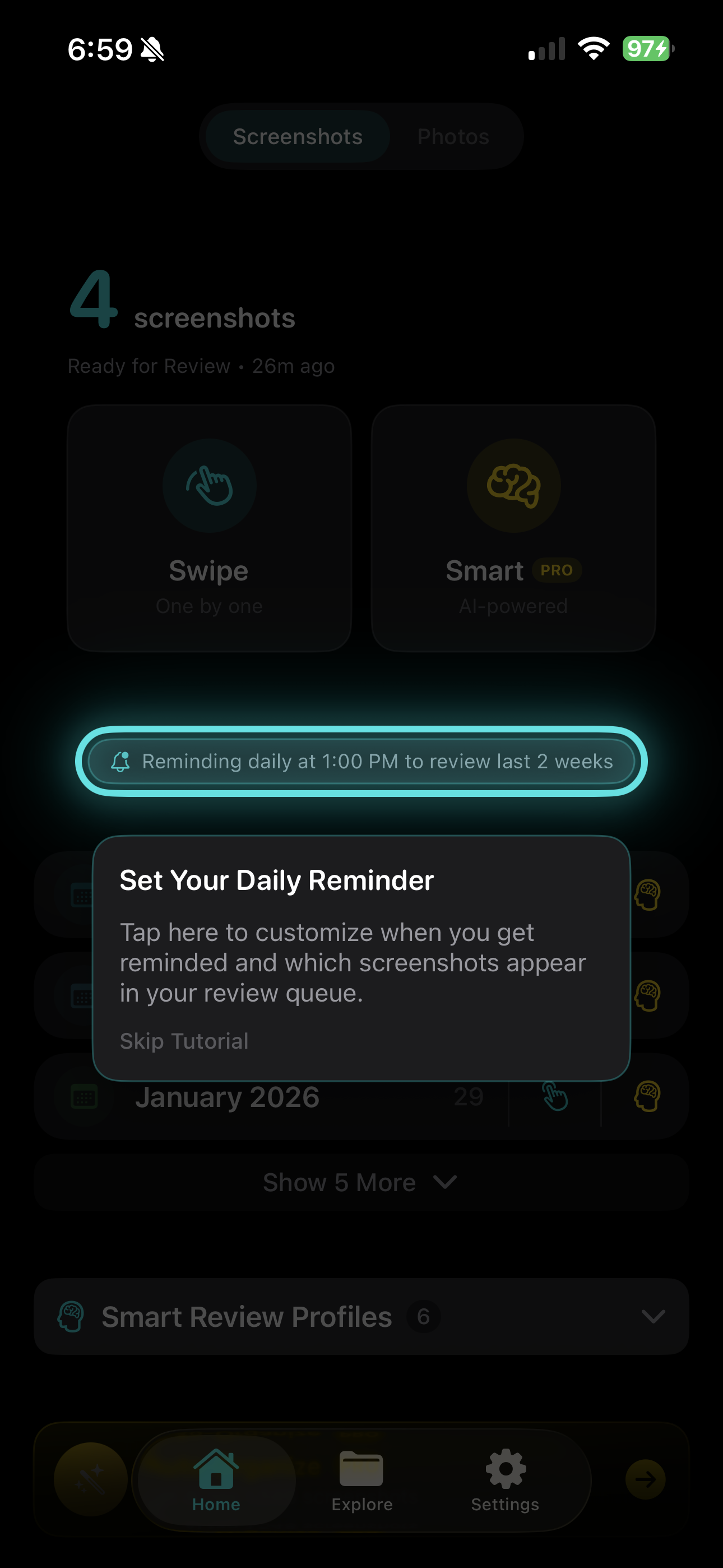
"5 screenshots waiting. Tap to review in 2 minutes." A daily nudge at the time you choose.
Keep or delete. Full-screen cards you swipe through. AI pre-fills notes and tags so you don't have to.
Inbox zero for your camera roll. Every screenshot reviewed, tagged, and searchable — or gone.
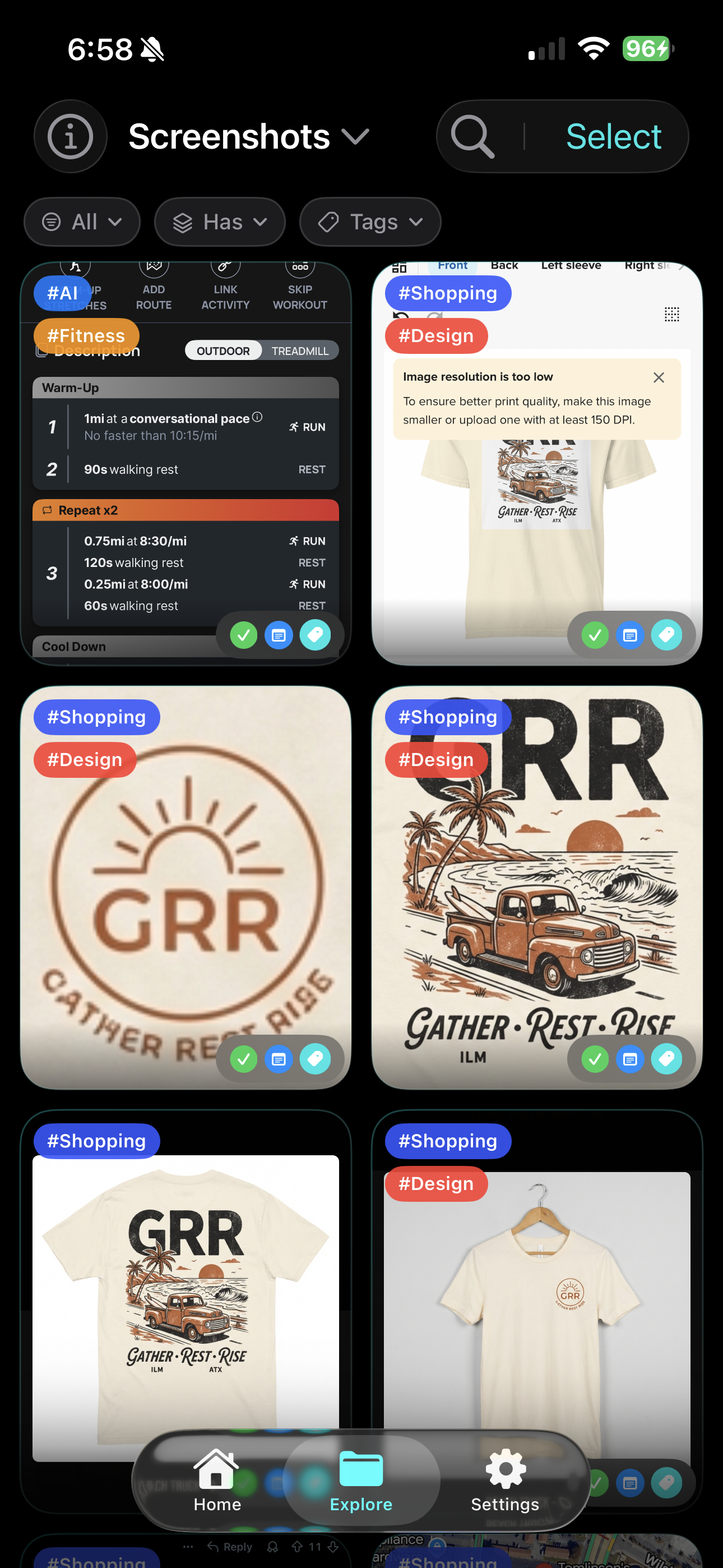
Don't just save it — explain it. Type your own notes or let AI analyze the image to extract details. Use color-coded tags to keep everything organized and searchable.
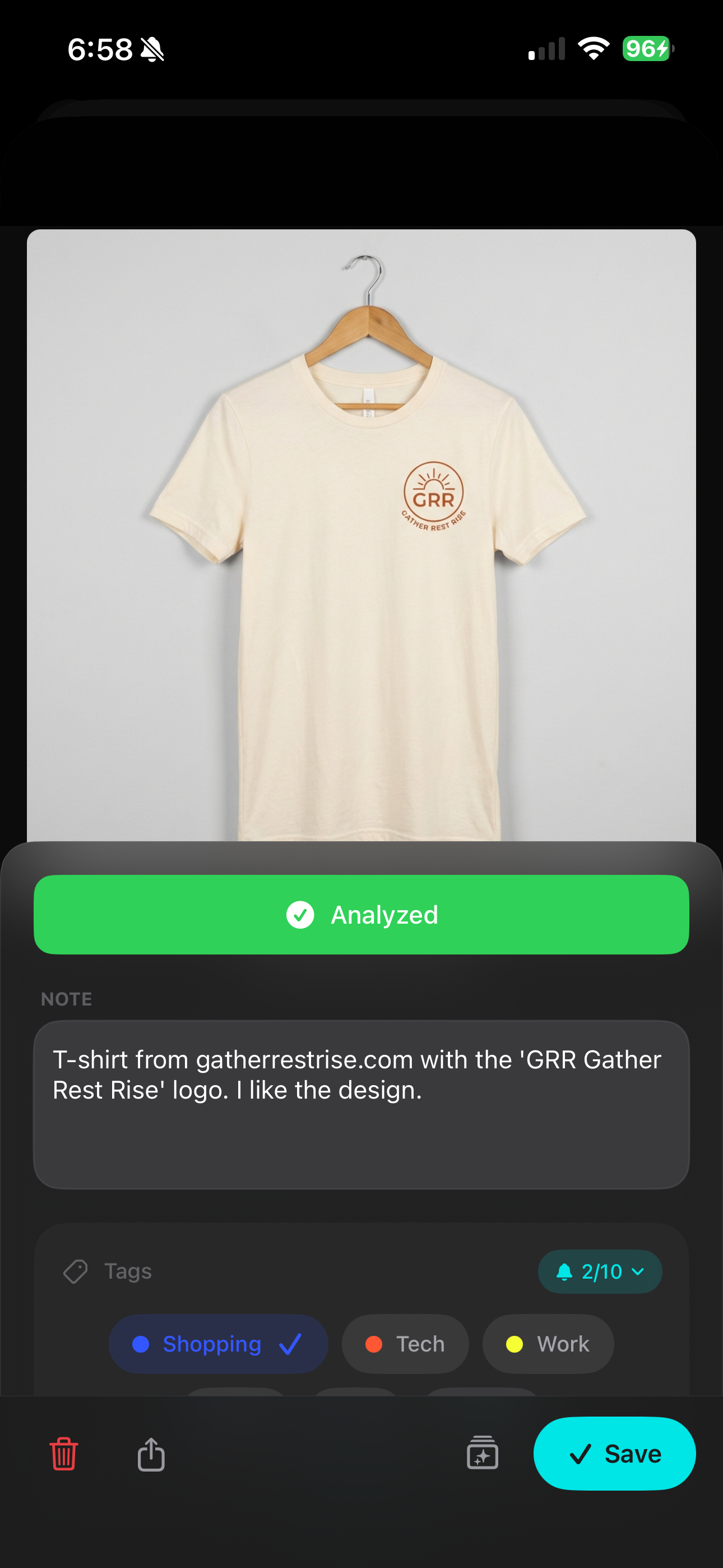
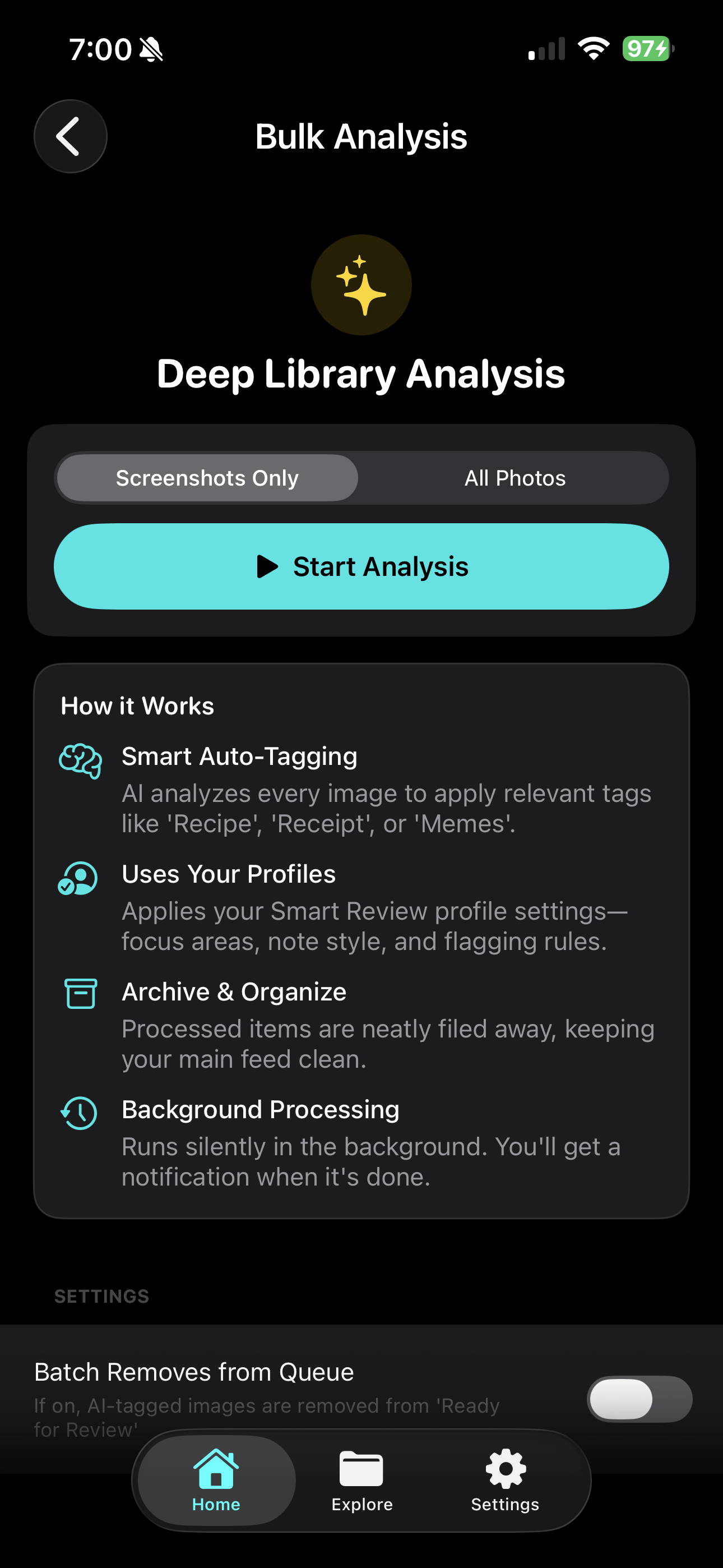
Select a collection, pick a profile, and let AI analyze everything at once. Notes, tags, and keep/delete recommendations — all pre-filled and ready for your review.
Create profiles that match how you think. Set the note style, focus areas, flagging rules, and auto-delete patterns — then let AI do the sorting.
Auto-Analyze detects new screenshots every time you launch and tags them using your default profile — before you even start reviewing. Notes and tags are pre-filled and waiting.
Every AI suggestion lands in a visual grid. Tap to cycle keep/delete. Jump into one-by-one review to edit notes and tags. Nothing is permanent until you confirm.
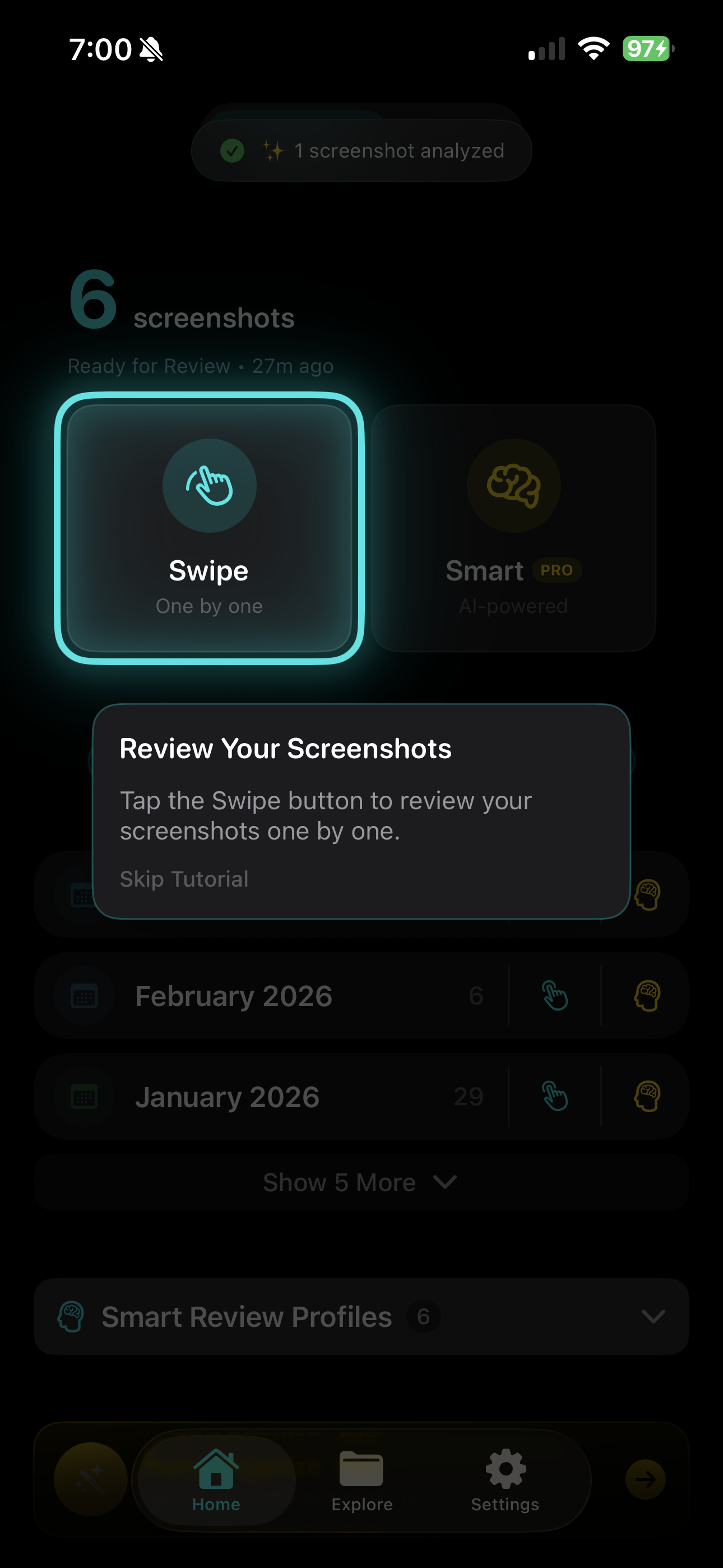
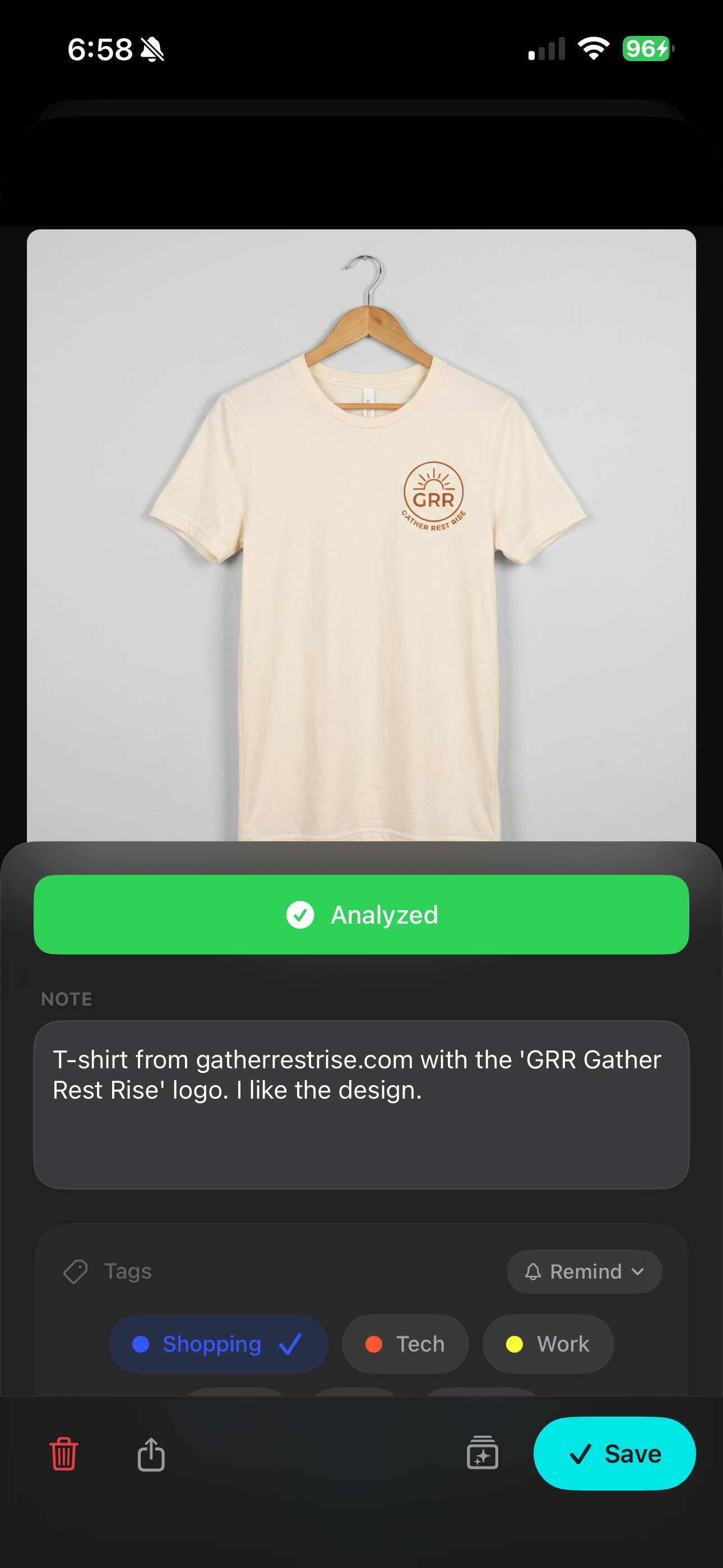
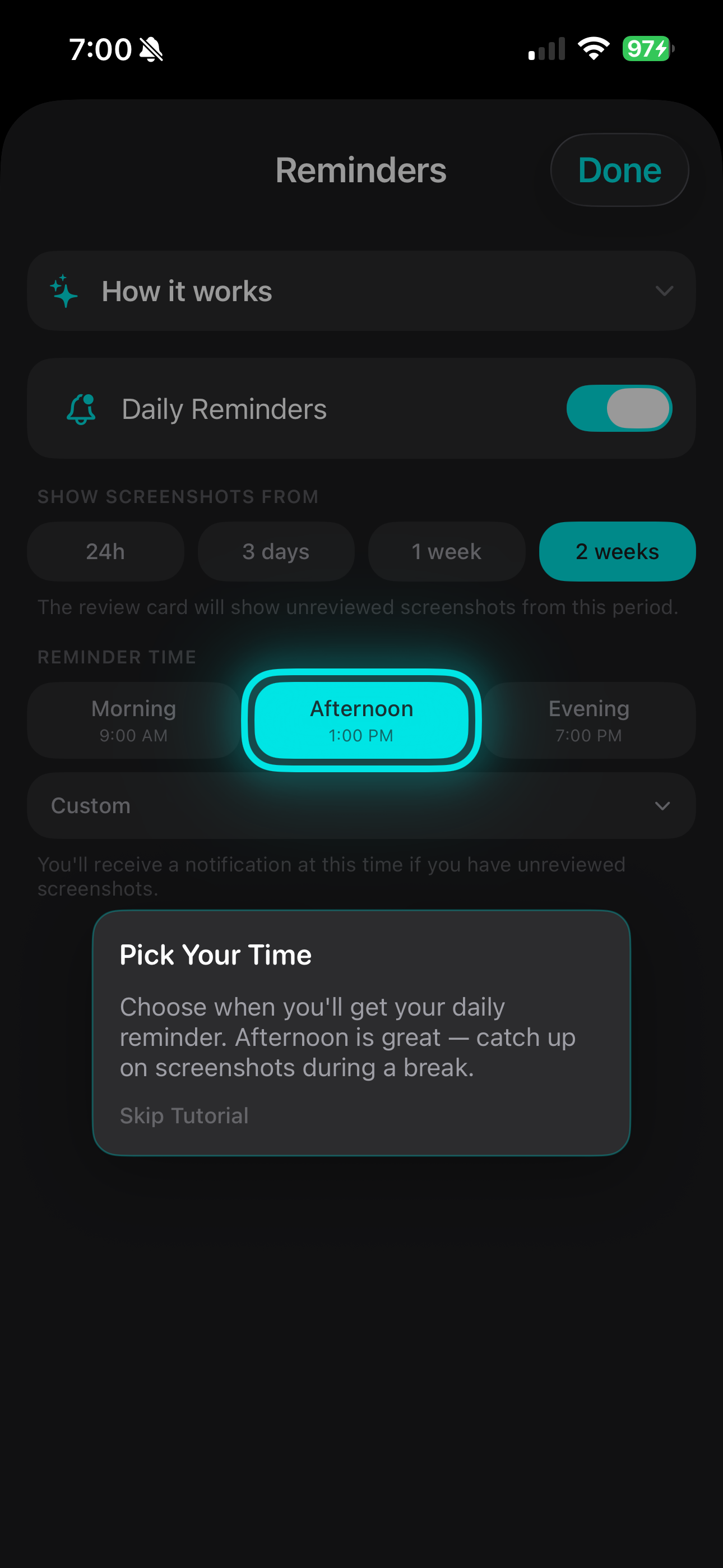
Get a notification at the time you choose with exactly how many screenshots are waiting and how long it'll take. Build a streak. Track your progress.
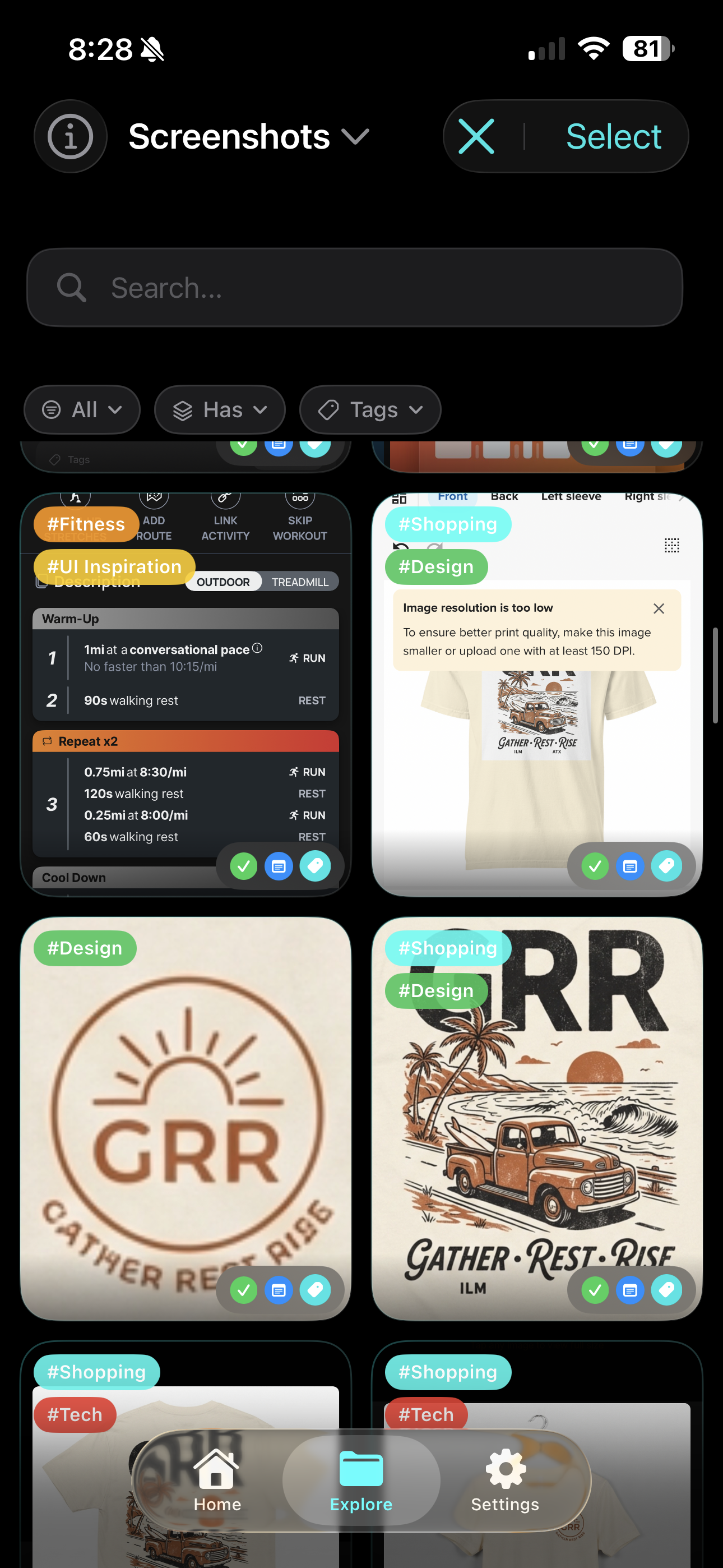
Browse all screenshots with tag filters, note search, and status indicators. Find anything in seconds.
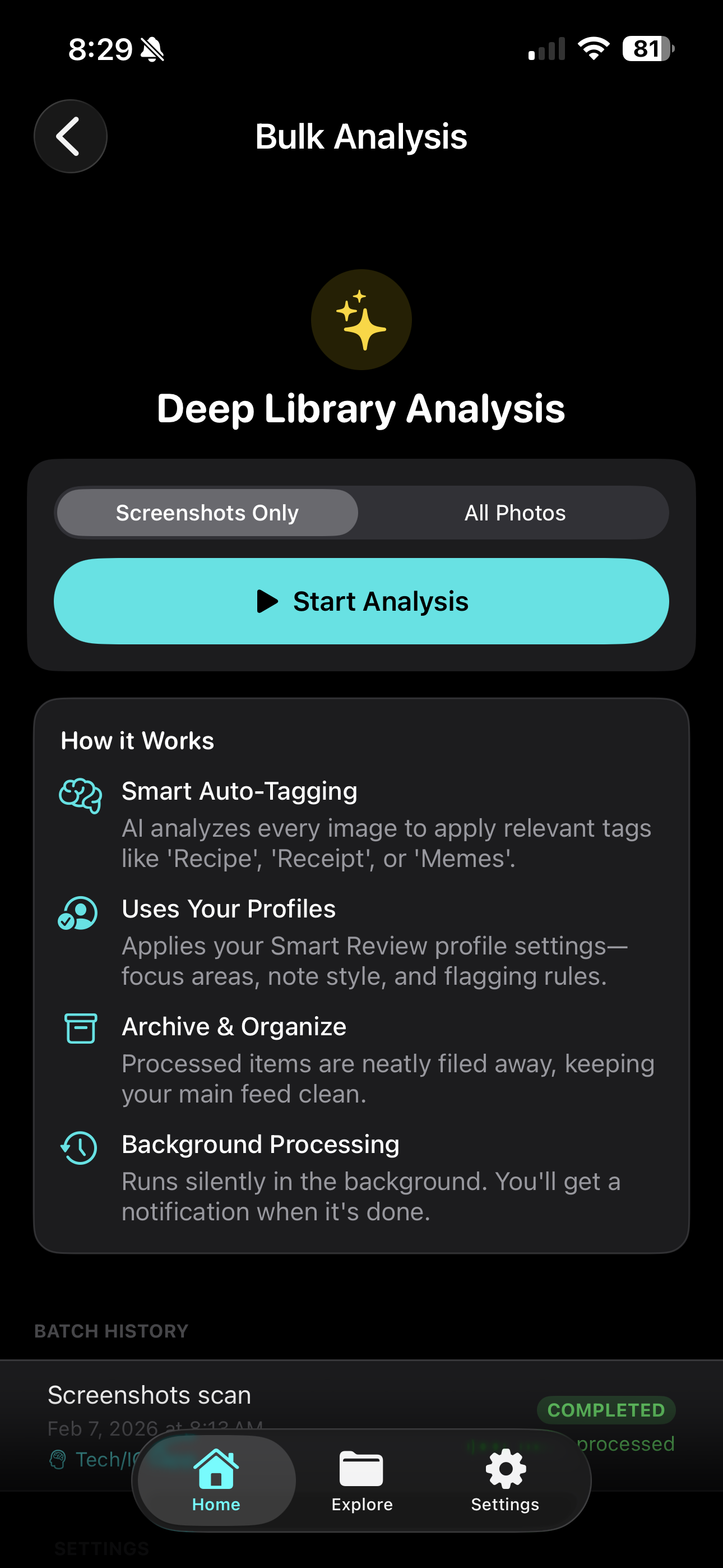
New to the app? Batch-process your entire library in the background. Thousands of screenshots, zero manual effort.
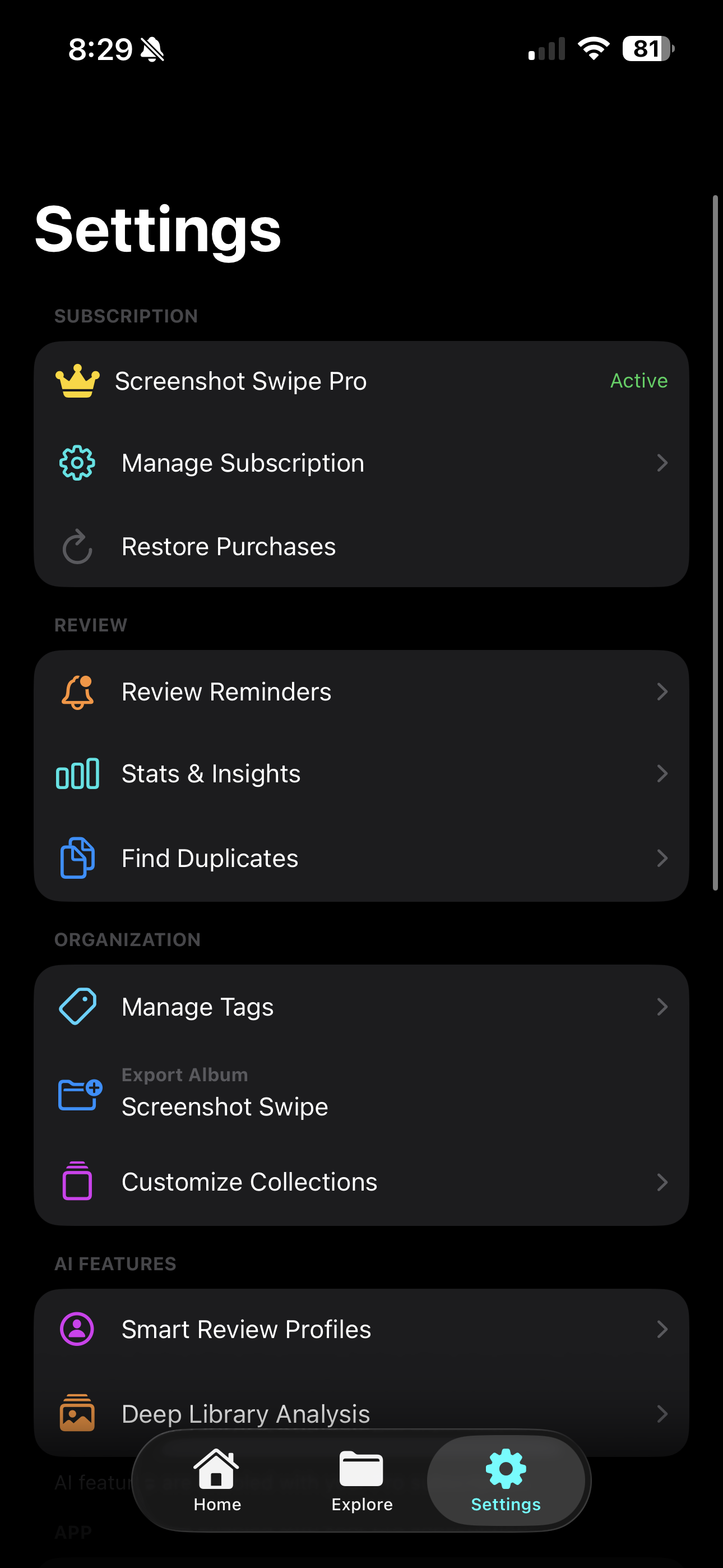
Manage your subscription, review reminders, tags, and AI features — all in one place.
Full-screen cards. Swipe right to keep, left to delete. Fastest way to clear your queue.
Batch-analyze up to 100 screenshots. AI fills in notes and tags automatically.
Personalized AI personas with note styles, focus areas, and auto-delete rules.
Find any screenshot by its note content. That confirmation code? That recipe? Seconds away.
Custom tags with colors. Filter by tag in Explore. Additive filtering to mix and match.
Images analyzed and immediately discarded. All data stays on your device. No cloud uploads.
New screenshots are tagged the moment you open the app. No taps needed — AI works in the background.
Free to start. Upgrade to Pro for Smart Review, custom profiles, auto-analyze on launch, and batch processing.